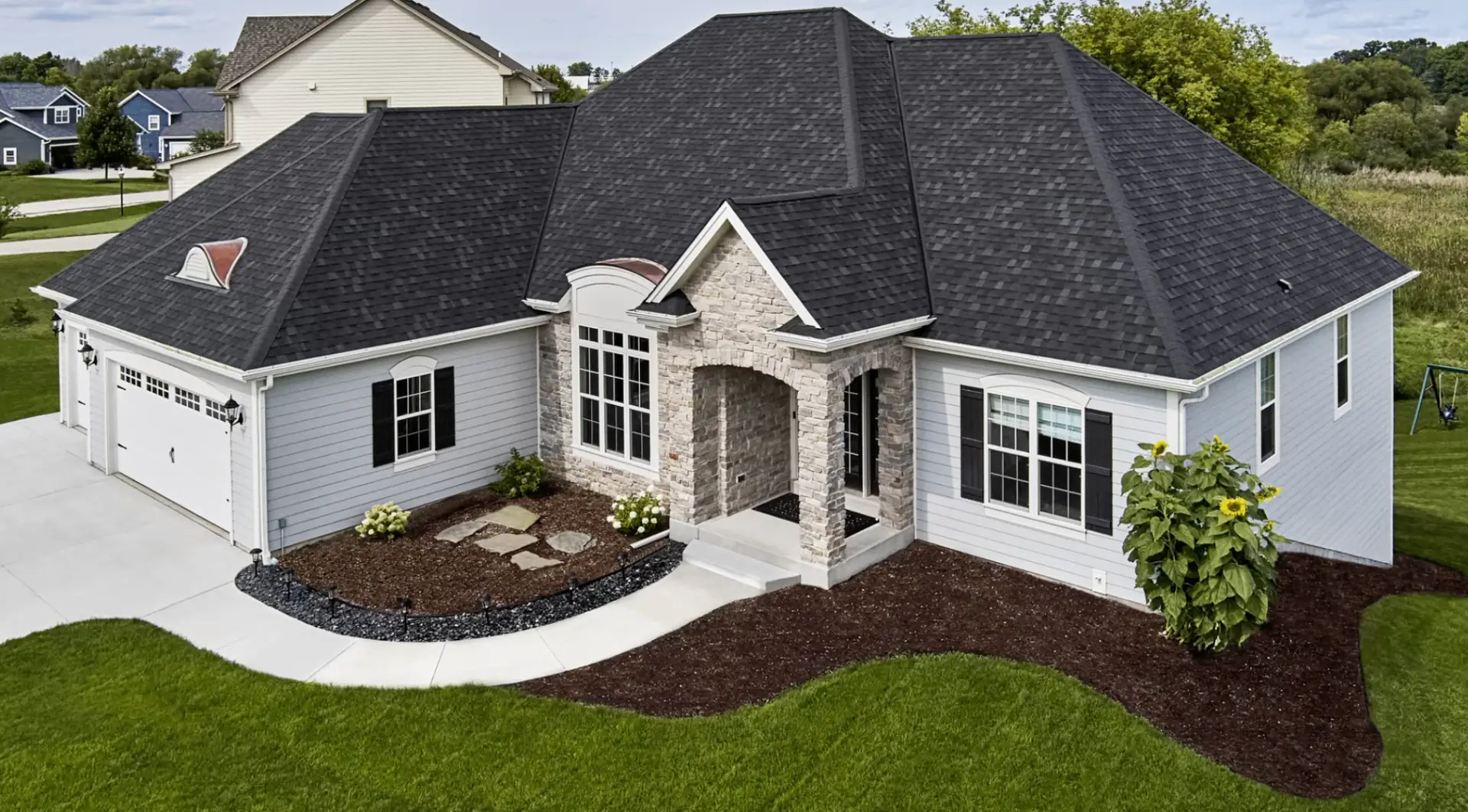
Design Your Roof Before You Buy
Use the Atlas interactive visualizer to try different shingle colors and styles on your own home — before making any decisions.
Start Designing Now
Godwin Green Roofing's Interactive Roof & Home Design Studio by Atlas
Easily and visually choose shingle colors and styles for your new roof. The Atlas visualizer lets you upload a photo of your own home or choose from 21 contemporary home templates — then try different shingle combinations to see exactly how your home will look before you commit.
How to Use the Visualizer
Choose a Template or Upload Your Home
Select from Craftsman, Neo-Traditional, New American, Ranch, Victorian, Cape Cod, Traditional, Farmhouse, or Georgian home styles — or upload your own photo. Photos must be at least 1,600px wide in JPG or PNG format. Max file size 16MB.
Try Different Colors & Styles
Browse Atlas Pinnacle Pristine shingle colors and apply them to your home instantly. Mix and match siding, masonry, trim, and shutter colors to find your perfect combination.
Share With Chris for Your Estimate
Once you've found a color you love, save or screenshot your design and share it with Chris Tenney when requesting your free estimate. Chris will confirm availability and pricing.
Ready to Start Designing?
The visualizer is free to use and takes less than 5 minutes. No account required.
Open the Atlas Visualizer →After designing, call Chris at (352) 444-7663 or fill out the quote form for a free estimate.
Get a Free Shingle Roofing Estimate in Gainesville
Christopher Tenney personally handles every estimate. License CCC#1329478. No deposit required.